As you know, pinacos provides you with all editors and Office 365 integrated in the system for editing documents.
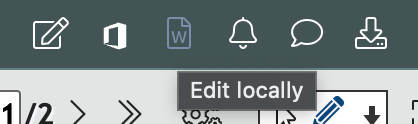
In addition, with the new Edit locally function, you can now edit the file formats DOCX (Word), XLSX (Excel), PPTX (PowerPoint) and PDF as well as emails (Outlook) locally with just one click. Your local editing is automatically synchronised with pinacos.
File formats DOCX, XLSX, PPTX and PDF:
>Annotator
>Open locally
Email:
>Annotator
>Answer locally
To further automate the activity recording, you can now assign previously defined Cost Rules to the Task Templates and Tasks.
With the help of the Cost Rules, even complex cost structures can easily be recorded correctly depending on the respective situation of the Case.
>User Avatar >Manage Application
>Task Templates
>Cost Rules
>Task
>Cost Rule
The basis of the Cost Rules are Cost Codes, which you can freely define yourself.
>User Avatar >Manage Costs
>Select a Category >Select a Country
The Cost Rules are then created in a graphical editor, whereby the metadata of the Case can be included.
>User Avatar >Manage Application
>Task Templates
>Cost Rules >New Rule
It's as easy as using a calculator.
Assigning and archiving Documents in the right Case takes a lot of time in the conventional office. With pinacos, this activity is already automated to a large extent.
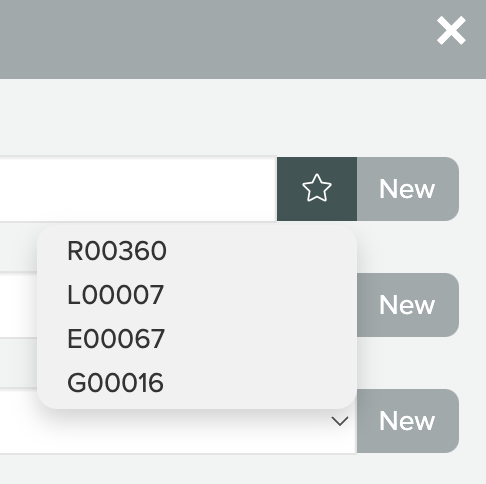
The few Documents that still have to be moved manually can now be filed even faster and directly into the Favourite Cases.
>>Mark Document(s)
>Move Documents >Favourite Cases
Tip: Favourites are also available for Documents and Contacts - these can also be addressed particularly quickly.
The new Connected Documents function is used in a variety of ways:
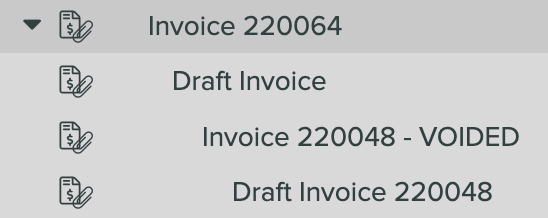
All accounting documents that belong together are now automatically connected. For example, a voided invoice, its credit note and then the second invoice. Furthermore, incoming purchases that have been passed on in an invoice are also connected to it.
To explain all these improvements here would go beyond the scope of this information. If you have any questions, please contact us directly.
Here you can see the current release list with all improvements and new functions.